Get Ready for NEXT
at SuiteWorld 2026
Meet the Folio3 team at the largest NetSuite community gathering.
Schedule a Meeting
Meet the Folio3 team at the largest NetSuite community gathering.
Will your customizations survive the Redwood UI and Ask Oracle?
A 10-minute triage, three role-based checklists and a remediation playbook. For NetSuite users, developers and administrators getting ready for Redwood UI and Ask Oracle.
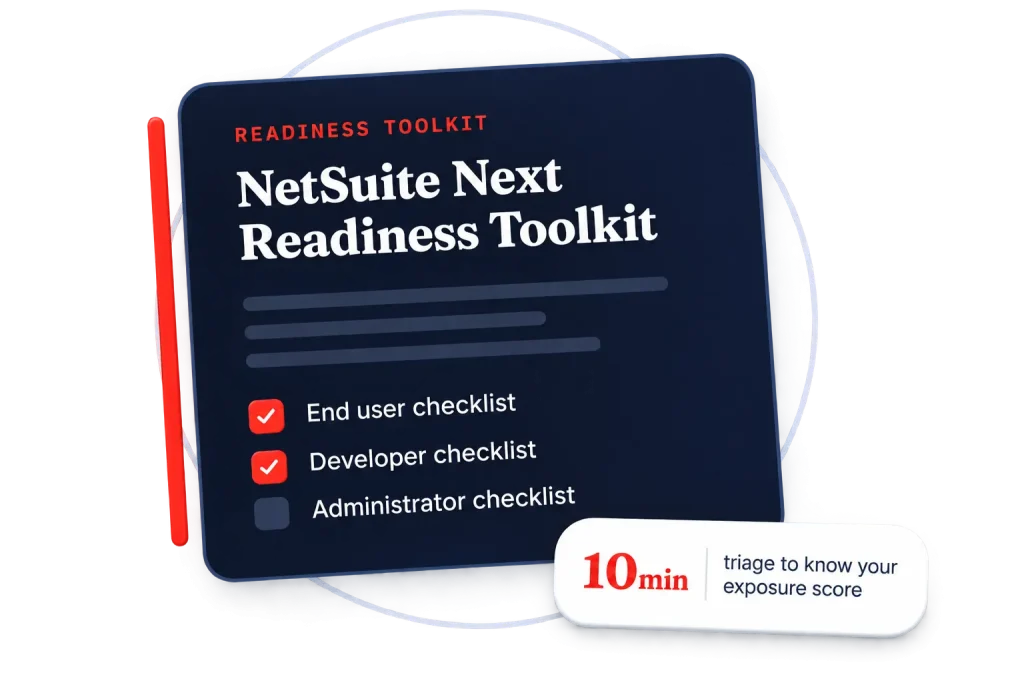
| Inside this toolkit | 125+ checkpoints across eight risk domains |
|---|---|
| Part 0 | A 12-question triage that tells you in ten minutes whether you have a problem |
| Parts 1–5 | What actually changes, the eight risk domains, and how to inventory your account |
| Parts 6–8 | Three ready-to-use checklists, one each for the End User, the Developer and the Administrator |
| Parts 9–13 | AI governance, a remediation playbook, a phased runbook, a scoring model and 22 UAT scenarios |
| Appendices | Code patterns, inventory searches, a risk register, a sign-off sheet and vendor templates |
| If you are… | Start here | You will finish with |
|---|---|---|
| A NetSuite Administrator or IT lead | Part 0, then Part 8 | A per-role readiness score and a go / no-go recommendation you can take to the business |
| A SuiteScript developer or solution architect | Part 0, then Parts 3–5 and Part 7 | A classified inventory of every customization and a costed remediation backlog |
| A finance, operations or sales power user | Part 0, then Part 6 | A tested confirmation of whether you can still do your job, with evidence |
| A CFO, COO or programme sponsor | Part 0, then Parts 1, 12 and "What to do next" | A clear view of what this costs to get wrong and what the decision actually depends on |
| A NetSuite partner or MSP | All of it | A repeatable client assessment with a deliverable and a sign-off sheet |
| Component | What it does | Compatibility surface |
|---|---|---|
|
1. Redwood UI (Redwood Experience) |
A full re-skin and re-layout of the NetSuite application on Oracle's Redwood Design System. | Highest |
| 2. Ask Oracle | A conversational AI assistant embedded across the suite. Answers respect the signed-in role's existing permissions. | Medium |
| 3. AI Canvas | An interactive scenario-planning / analysis workspace over live NetSuite data. | Low-Medium |
|
4. Agentic workflows / AI Connector Service |
AI-driven agents and tool-calling that can act on NetSuite records, plus the connector service that exposes NetSuite capability to AI clients. | Governance |
| Domain | What it means | Risk level |
|---|---|---|
| D1 — Presentation-layer coupling in code | Redwood ships a different DOM hierarchy and different CSS class names. | Red |
| D2 — Custom UI surfaces you own | These continue to run, they are server-generated, but they render inside new page chrome. | Amber |
| D3 — Styling, branding and CSS collisions | This is the bi-directional domain. | Red |
| D4 — Navigation, entry points and deep links | Redwood restructures navigation around persistent global search, a Create (+) menu, and consolidated menus. | Amber |
| D5 — Saved searches, lists, reports and dashboards | HTML injected through formula columns is a form of DOM injection. | Amber |
| D6 — Third-party SuiteApps, bundles and vendor code | You cannot remediate a locked managed bundle yourself. |
Unknown until vendor confirms
|
| D7 — Data, metadata and semantic quality | This domain does not break anything; it silently degrades Ask Oracle and AI Canvas. | Amber |
| D8 — Governance, security and process controls | Ask Oracle inherits the signed-in role's permissions; it does not add a new permission layer. | Red |
Scoring: one point for every YES on questions 1 to 10, and one point for every NO on questions 11 and 12. Remember to score "I'd have to check" as a point.
| Score | What it means | What to do |
|---|---|---|
| 0–2 | Genuinely low exposure. Your account is close to vanilla, or your team has been disciplined about staying inside supported APIs. | Run the Part 6 user checklist, spot-check with Part 13, and enable early. You are in a strong position, being early is an advantage worth taking. |
| 3–5 | Typical mid-market exposure. There will be real findings, and most of them will be fixable inside a normal sprint cycle. | Run the full inventory in Part 5 and the developer checklist in Part 7. Budget remediation now, before the activation date sets the deadline for you. |
| 6–8 | Significant exposure. There is almost certainly presentation-layer coupling in your account that nobody has looked at in years. | Treat this as a project with an owner and a budget, not a task. Start with Part 5, then Appendix A. Do not commit to an activation date until the inventory is complete. |
| 9–12 | High exposure with an unknown floor. The honest position is that you do not currently know what will break, and the items you cannot answer are the ones most likely to hurt. | Stop planning the activation date and start the assessment this week. Prioritise questions 8 and 9, undocumented automation and unowned code are the two findings with the longest lead time to fix. |
Before you run the inventory in Part 5, confirm these four things so the rest of the checklist produces numbers you can actually act on.
Fill out the form to unlock the complete toolkit — all 125+ checkpoints across three role-based checklists, the remediation playbook and 22 UAT test scenarios.
By submitting the form, you agree to Terms & Conditions and Privacy Policy of Folio3
