NetSuite provides the core ERP foundation for manufacturing, including inventory, work orders, BOMs, routings, purchasing, MRP, costing, and financial management. Manufacturers often add SuiteApps when they need more specialized capabilities for warehouse execution, production scheduling, shop-floor data capture, quality management, batch processing, PLM, EDI, or asset maintenance.
The right SuiteApp depends on the manufacturing process you need to improve. A discrete manufacturer handling barcode-driven warehouse transactions has different requirements than a food manufacturer managing recipes and lot genealogy, or an electronics manufacturer seeking advanced production scheduling.
This guide covers 18 NetSuite SuiteApps and manufacturing applications by their primary use case, with the features and manufacturing environments where each is most relevant.
Quick Comparison: 18 SuiteApps for Manufacturing Organizations
| SuiteApp | Primary category | Best suited to |
|---|---|---|
| RF-SMART Advanced Mobile WMS | WMS & manufacturing mobility | Discrete, apparel, textile, consumer goods, and multi-location manufacturers |
| Delfoi Planner for NetSuite | Production planning | Complex discrete manufacturing and capacity-constrained plants |
| blendAPPS Manufacturing Scheduler | Production scheduling | Manufacturers needing visual work-order scheduling |
| AVT Manufacturing | Planning & shop floor | Configurable products and capacity-driven production |
| SmartFactory | MES & shop floor | Manufacturers moving from paper-based production records |
| V5 Traceability MES | MES & traceability | Food, beverage, process, and batch manufacturers |
| SmartMaterials for NetSuite | Material staging | Plants where component availability at work centers is a bottleneck |
| NetSuite Quality Management | Quality management | Manufacturers needing inspections, specifications, quarantine, and NCR workflows |
| blendAPPS Quality Control | Quality control | Manufacturers focused on inspections, testing, and certificates of analysis |
| Batch Production by Baker Tilly | Batch manufacturing | Food, beverage, consumer products, and process manufacturers |
| TotalBatch | Batch manufacturing | Food, nutraceutical, pharmaceutical, and chemical manufacturers |
| Arena PLM & QMS | PLM & quality | Product companies managing engineering changes and product development |
| PLM Integrations for NetSuite | PLM/PDM integration | Manufacturers already using a separate PLM or PDM platform |
| SPS Commerce for NetSuite | EDI | Manufacturers supplying retailers and distributors |
| LaceUp WMS | Warehouse management | Manufacturing and wholesale operations needing directed warehouse workflows |
| Netstock | Demand & inventory planning | Multi-SKU manufacturers dealing with demand variability |
| MaintainX for NetSuite | Maintenance & asset management | Multi-site plants with maintenance and spare-parts requirements |
| NetSuite Manufacturing Mobile | Shop-floor mobility | Manufacturers that need mobile access to NetSuite manufacturing transactions |
What Is a Manufacturing SuiteApp?
A SuiteApp is an application that extends NetSuite with additional functionality. Some are developed specifically for NetSuite, while others connect NetSuite with specialized manufacturing platforms.
For manufacturers, these applications address requirements that may sit beyond the core ERP configuration. Examples include mobile barcode scanning, finite-capacity scheduling, manufacturing execution, quality inspections, batch genealogy, product lifecycle management, retailer EDI, and maintenance management.
The important distinction is between adding functionality to an existing NetSuite process and introducing another system that becomes responsible for a major part of the manufacturing workflow. That distinction affects data ownership, integrations, user workflows, implementation effort, and ongoing support.
1. RF-SMART Advanced Mobile WMS
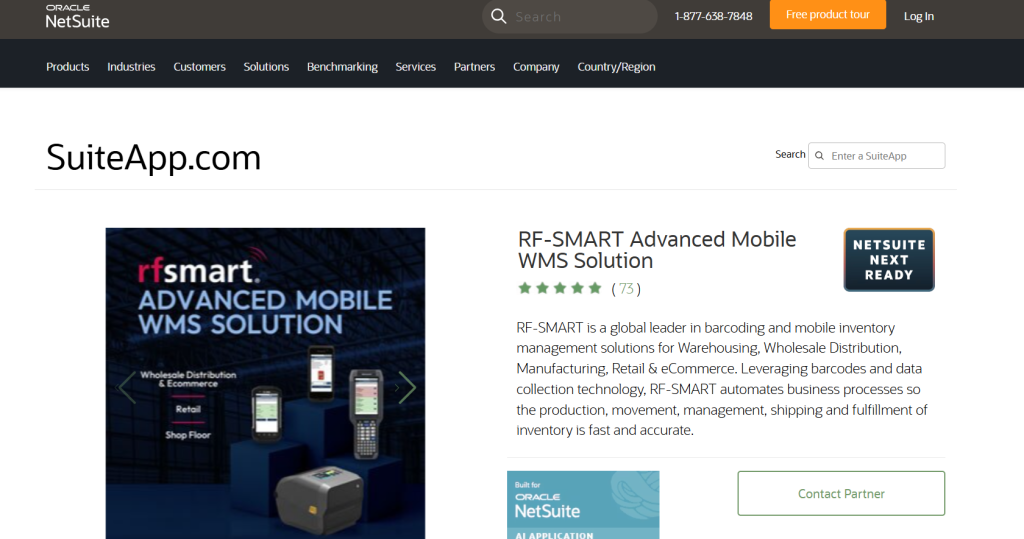
Best for: Discrete manufacturers, apparel and textile companies, consumer goods manufacturers, distributors, and multi-location businesses that need barcode-driven warehouse and production transactions connected directly to NetSuite.
RF-SMART provides mobile warehouse management and manufacturing execution functionality for NetSuite. Its WMS workflows cover receiving, putaway, picking, replenishment, inventory transfers, cycle counting, shipping, and other warehouse transactions, while its manufacturing functionality extends into work-order issuance and completion.
The application uses barcode scanning to capture inventory activity at the point where it happens. Workers can scan items, bins, locations, lots, serial numbers, and work orders rather than relying on paper records or manually entering transactions later.
For manufacturing operations, RF-SMART supports workflows such as issuing components to work orders, completing work orders, and backflushing components. On the warehouse side, teams can manage receiving, picking, inventory movement, counting, and fulfillment through mobile devices.
Key features include:
- Mobile barcode scanning
- Purchase order receiving
- Putaway and replenishment
- Sales order picking
- Inventory transfers
- Cycle counting
- Lot and serial tracking
- Work order issue
- Work order completion
- Backflush support
- Item lookup
- Mobile shipping
- License plating
- Barcode label printing
- Manufacturing and warehouse automation
RF-SMART also supports advanced manufacturing environments where work centers and routings are used to capture production activity. Its manufacturing workflows collect and validate production data and post it to NetSuite.
2. Delfoi Planner for NetSuite
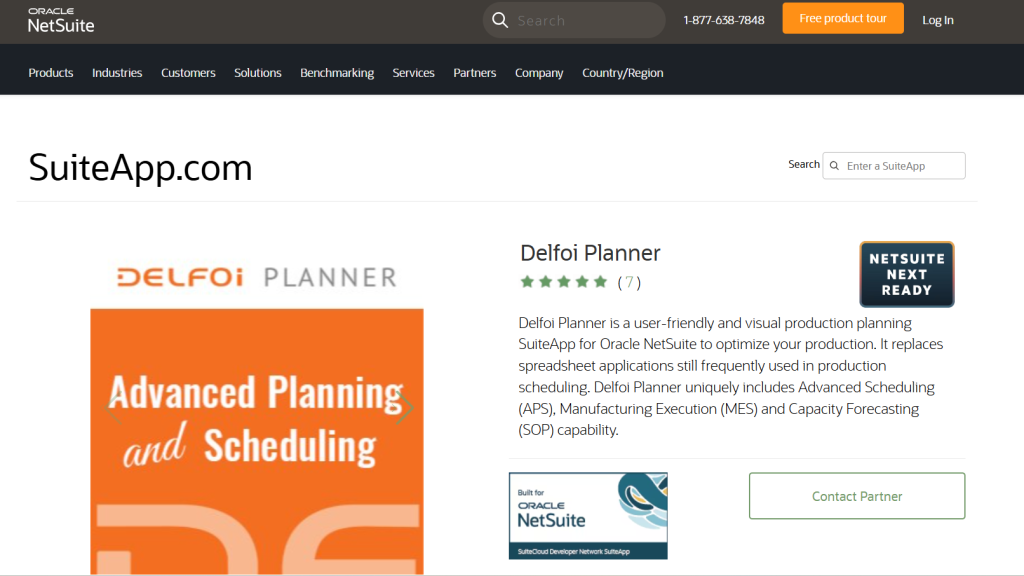
Best for: Mid-market and larger discrete manufacturers with multiple work centers, constrained resources, changing priorities, and production schedules that are difficult to manage manually.
Delfoi Planner focuses on advanced production planning and scheduling. It provides tools for balancing demand against available resources and production capacity, making it relevant to manufacturers where the production schedule changes frequently.
Its capabilities include advanced planning and scheduling, capacity forecasting, resource planning, manufacturing execution, lead-time analysis, and planned-versus-actual reporting.
Key features include:
- Advanced planning and scheduling
- Capacity forecasting
- Resource planning
- Production lead-time analysis
- Manufacturing execution
- Resource utilization reporting
- Planned-versus-actual analysis
- Production performance visibility
Delfoi is useful for discrete environments such as machinery, industrial equipment, automotive components, aerospace suppliers, and engineered products where production depends on multiple work centers and constrained resources.
3. blendAPPS Manufacturing Scheduler
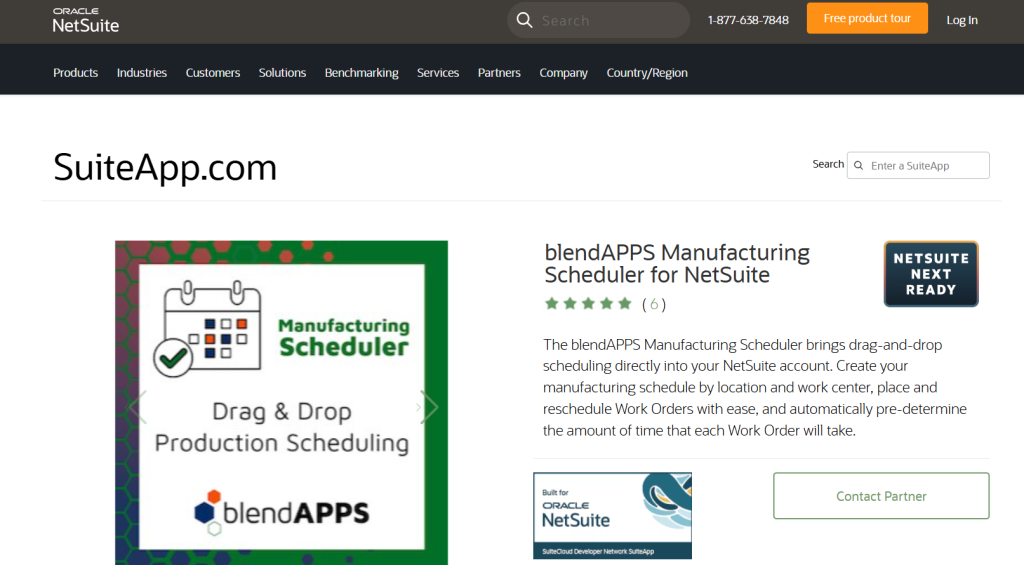
Best for: Small and mid-sized manufacturers that need a visual way to schedule work orders, work centers, and routing operations without introducing a separate production-planning platform.
The blendAPPS Manufacturing Scheduler provides a visual scheduling interface within NetSuite. Planners can work with work orders, routing steps, work centers, component availability, setup times, run times, and production events.
Its drag-and-drop approach is useful when planners need to adjust production schedules quickly as priorities, material availability, or capacity changes.
Key features include:
- Drag-and-drop scheduling
- Calendar views
- Gantt-style scheduling
- Work-center scheduling
- Routing-step scheduling
- Setup and run times
- Component availability
- Production event scheduling
- Real-time schedule adjustments
This type of application fits manufacturers producing engineered-to-order, make-to-order, or high-mix products where production priorities change frequently.
4. AVT Manufacturing
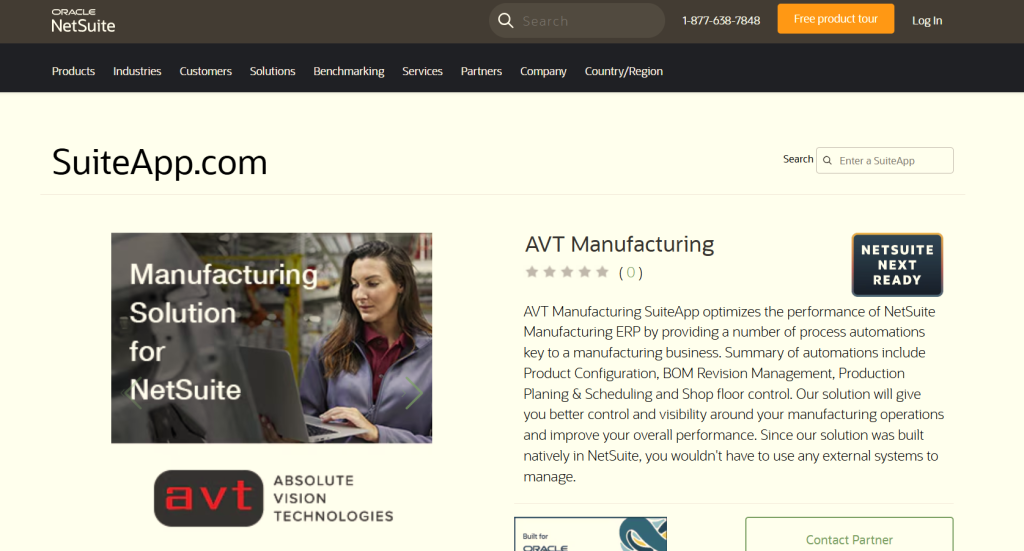
Best for: Manufacturers producing configurable products or complex assemblies that need BOM management, production planning, capacity management, and shop-floor control in one manufacturing environment.
AVT Manufacturing combines product configuration, BOM revision management, production planning, scheduling, and shop-floor functionality.
Its scheduling capabilities include production boards, drag-and-drop scheduling, capacity and workload management, work-order release, planned-versus-actual tracking, and operation assignment based on capacity and workload.
Key features include:
- Product configuration
- BOM revision management
- Production planning
- Production scheduling
- Capacity management
- Workload management
- Production boards
- Work-order release
- Planned-versus-actual tracking
- Shop-floor control
The application is particularly relevant to manufacturers of configurable industrial equipment, machinery, engineered products, and complex assemblies where product configuration and production planning are closely connected.
5. SmartFactory
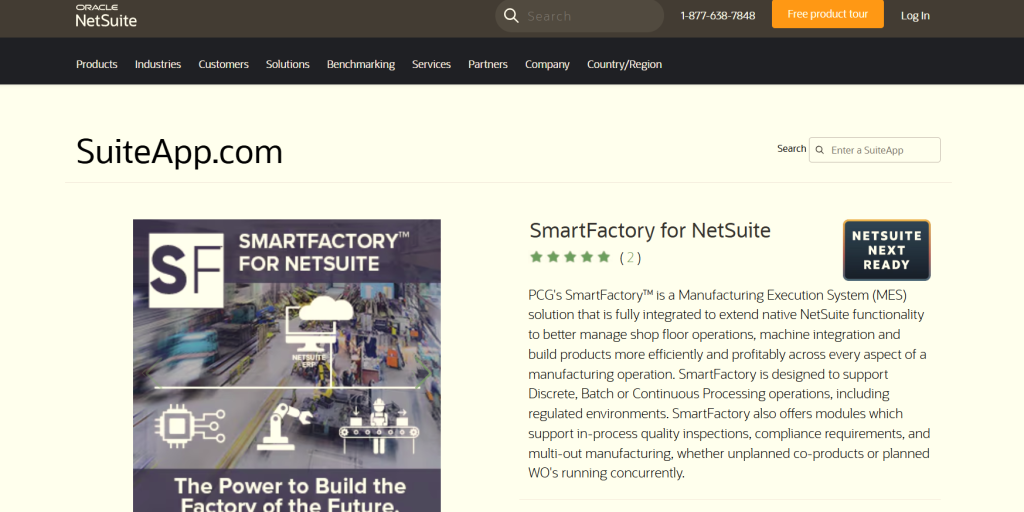
Best for: Manufacturers moving from paper-based production records to digital shop-floor execution, particularly plants that need machine connectivity, electronic production records, and real-time manufacturing data.
SmartFactory focuses on manufacturing execution and shop-floor data capture. It connects operators, production equipment, and manufacturing information so that production activity is recorded closer to the point of execution.
Key features include:
- Digital work instructions
- Real-time production data capture
- IIoT connectivity
- Electronic production records
- Barcode scanning
- Downtime tracking
- Scrap reporting
- Manufacturing dashboards
- Shop-floor visibility
This makes it relevant to manufacturers in industries such as industrial equipment, automotive components, electronics, and regulated production environments where production records need to be captured consistently.
6. V5 Traceability MES
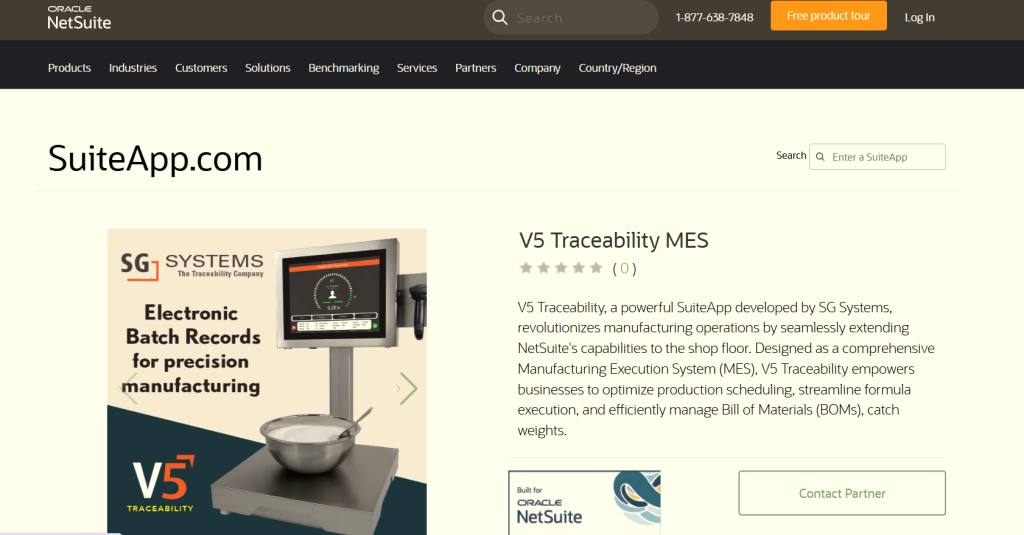
Best for: Food, beverage, chemical, nutraceutical, and other process manufacturers that need production scheduling, formula execution, BOM management, catch-weight handling, and detailed traceability.
V5 Traceability MES extends NetSuite into the manufacturing execution layer. Its functionality includes production scheduling, formula execution, BOM management, catch-weight handling, and traceability.
Formula execution is particularly relevant where production depends on controlled quantities of ingredients or raw materials rather than a straightforward discrete assembly structure.
Key features include:
- Production scheduling
- Formula execution
- BOM management
- Catch-weight handling
- Production execution
- Traceability
- Shop-floor data capture
- Batch and process manufacturing support
For example, a food manufacturer producing variable-size batches can use process-specific production controls while maintaining the resulting manufacturing and inventory data in the NetSuite environment.
7. SmartMaterials for NetSuite
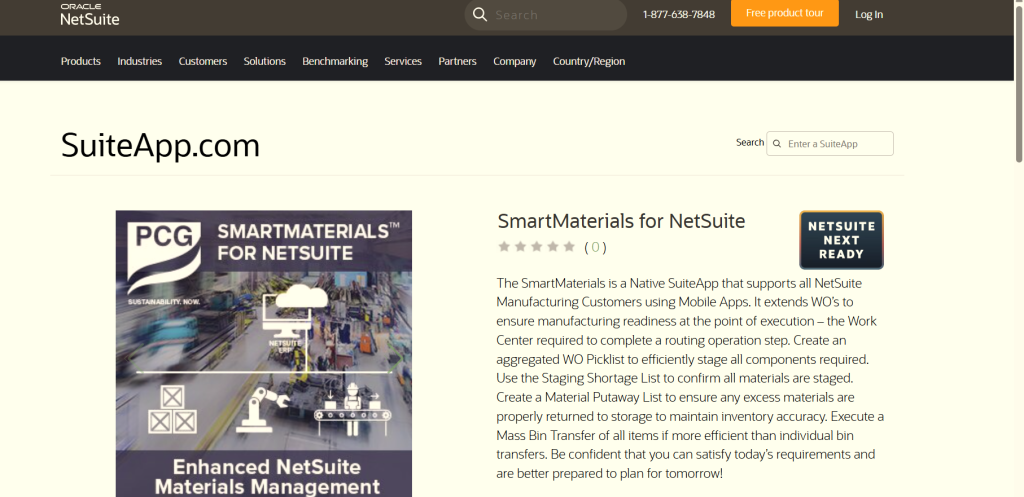
Best for: Manufacturers where production delays frequently occur because components are in inventory but have not been picked, staged, or delivered to the correct work center.
SmartMaterials focuses on the material-staging problem. It extends NetSuite work-order processes to help production teams determine what materials are required and move those materials to the appropriate work center.
Key features include:
- Material shortage analysis
- Work-center material readiness
- Aggregated picklists
- Staging shortage lists
- Material putaway
- Mass bin transfers
- Lot-controlled component support
- Work-order material visibility
This is especially relevant to manufacturers with multiple production areas or large facilities where components may technically be available in inventory but are difficult for operators to locate when production begins.
8. NetSuite Quality Management
Best for: Manufacturers that need structured incoming, in-process, and inventory inspections connected directly to NetSuite transactions, inventory, and non-conformance workflows.
NetSuite Quality Management is NetSuite’s own SuiteApp for managing quality processes within the ERP. It provides quality inspections, specifications, inspection queues, quality data collection, and workflows for handling inspection results and non-conformances.
Quality specifications define inspection scenarios, standards, and conformance rules. Inspection queues then provide the operational record where quality data is collected and evaluated. The SuiteApp also supports workflows such as quarantine and return-to-vendor processes when inspection results require action.
Key features include:
- Incoming inspections
- In-process inspections
- Inventory inspections
- Quality specifications
- Inspection queues
- Sampling
- Pass/fail criteria
- Quality data collection
- Quarantine workflows
- Return-to-vendor workflows
- Non-conformance management
- CAPA management
- Quality reporting
- On-demand inspections
The SuiteApp also supports inspections that are triggered independently of a transaction, allowing quality teams to perform ad hoc or scheduled inspections when required.
This makes it relevant across industries including medical devices, pharmaceuticals, food and beverage, chemicals, electronics, and industrial manufacturing where inspection results need to remain connected to items, lots, serial numbers, production, and inventory.
9. blendAPPS Quality Control
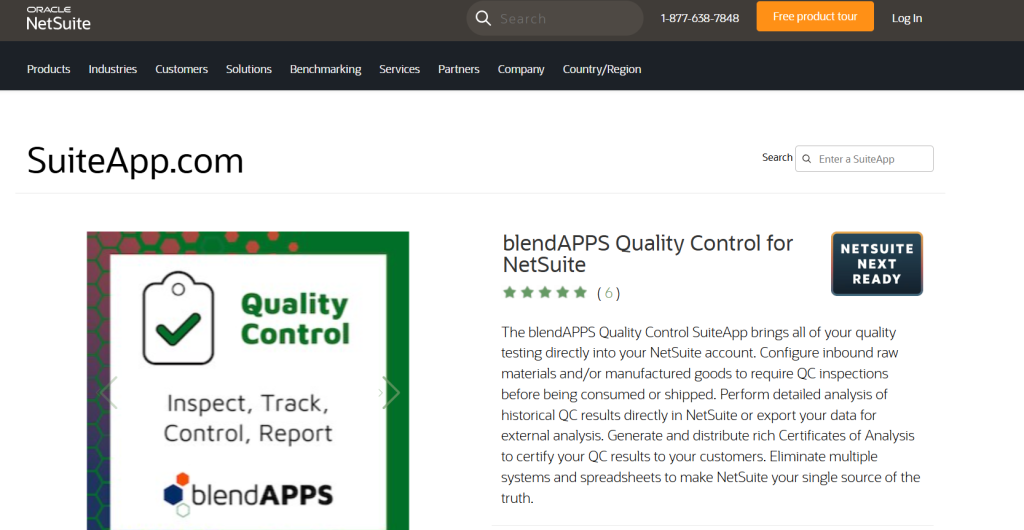
Best for: Manufacturers that primarily need inspection, testing, quarantine, and certificate-of-analysis functionality rather than a broader enterprise QMS.
blendAPPS Quality Control focuses on quality checks performed against incoming and manufactured items. It allows manufacturers to define tests and standards, capture inspection results, control inventory based on inspection status, and produce certificates of analysis.
Key features include:
- Incoming inspections
- Manufactured-item inspections
- Test definitions
- Quality standards
- QC result recording
- Quarantine controls
- Rework and scrap handling
- Vendor returns
- Certificates of Analysis
- QC reporting
This is relevant to manufacturers that need inspection controls embedded into day-to-day NetSuite operations, particularly food, chemical, industrial, and component manufacturers.
10. Batch Production by Baker Tilly
Best for: Food, beverage, consumer products, cosmetics, and other batch manufacturers whose production revolves around recipes, formulas, variable batch sizes, yields, and ingredient lots.
Batch Production by Baker Tilly extends NetSuite for batch-oriented manufacturing processes. Its functionality focuses on production batches, recipes and formulas, lot tracing, quality controls, waste and loss tracking, and batch splitting or blending.
Key features include:
- Batch production
- Recipe management
- Formula management
- Lot tracing
- Batch blending
- Batch splitting
- Yield tracking
- Waste and loss tracking
- Quality controls
- Compliance reporting
The application is particularly relevant when a manufacturer needs to track how raw-material lots move through a production batch and ultimately into finished goods.
11. TotalBatch
Best for: Food, nutraceutical, pharmaceutical, chemical, and liquid-process manufacturers that require detailed batch genealogy and production costing.
TotalBatch focuses on batch manufacturing, lot traceability, production processes, and cost visibility. It supports environments where raw materials may pass through intermediate batches before becoming finished products.
Key features include:
- Batch production
- Lot tracking
- Batch genealogy
- Intermediate batch tracking
- Production costing
- Flexible production processes
- Liquid manufacturing support
- Fermentation processes
- Finished-batch traceability
For a nutraceutical manufacturer, for example, TotalBatch can support traceability from ingredient lots through intermediate production stages to finished products while maintaining production cost information.
12. Arena PLM & QMS
Best for: Product manufacturers with dedicated engineering teams that need product lifecycle management, engineering change control, and quality information connected with NetSuite.
Arena PLM & QMS focuses on product development and engineering information rather than replacing NetSuite’s core ERP functions. It is relevant when engineering manages product information in a PLM environment and manufacturing needs controlled product data released into the ERP.
Key features include:
- Product lifecycle management
- Engineering change management
- Product development
- Bill of Materials management
- Product information management
- Quality processes
- Engineering documentation
- Controlled product releases
This is particularly relevant to electronics, medical devices, industrial equipment, aerospace, and other product companies where engineering changes frequently affect BOMs, components, documentation, and production.
13. PLM Integrations for NetSuite
Best for: Manufacturers that already use a PLM or PDM system and need structured data exchange with NetSuite rather than replacing their existing engineering platform.
PLM Integrations for NetSuite connects NetSuite with external PLM and PDM platforms. Depending on the connected system, the integration can support data flows involving parts, BOMs, documents, releases, item masters, and workflow events.
Key features include:
- PLM-to-NetSuite integration
- PDM-to-NetSuite integration
- Part synchronization
- BOM release
- Document release
- Item-master retrieval
- Workflow triggers
- Product-data synchronization
This approach suits manufacturers that already have established engineering systems such as Arena, Teamcenter, Windchill, Autodesk, Propel, or similar platforms and need product information to flow into NetSuite without manually recreating it.
14. SPS Commerce for NetSuite
Best for: Consumer goods manufacturers, apparel brands, food suppliers, and other manufacturers that sell through retailers, distributors, marketplaces, or large trading partners with EDI requirements.
SPS Commerce for NetSuite automates electronic document exchange between NetSuite and trading partners. It is particularly relevant when a manufacturer needs to support different retailer or distributor requirements without building individual integrations for every partner.
Key features include:
- Purchase order processing
- Sales order automation
- Advance shipping notices
- Invoices
- Inventory information
- Barcode labels
- Retailer connections
- Distributor connections
- 3PL connectivity
- Order-to-cash workflows
- Procure-to-pay workflows
For example, an apparel manufacturer supplying multiple retailers may need to receive purchase orders electronically, send ASNs, produce retailer-specific labels, and transmit invoices according to each trading partner’s requirements.
15. LaceUp WMS
Best for: Manufacturers and distributors with warehouse operations that need barcode-driven receiving, putaway, picking, packing, shipping, and inventory control.
LaceUp WMS provides warehouse functionality for manufacturing and wholesale distribution environments. Its workflows cover the physical movement of inventory from receipt through storage, picking, packing, and shipment.
Key features include:
- Barcode scanning
- Receiving
- Directed putaway
- Palletizing
- Picking
- Packing
- Shipping
- License plating
- Cycle counting
- Inventory analytics
- Warehouse task management
It is particularly relevant to manufacturers that operate sizeable distribution warehouses alongside production and need more structured warehouse execution.
16. Netstock
Best for: Multi-SKU manufacturers and distributors dealing with variable demand, seasonal sales, supplier lead times, excess inventory, or frequent stockouts.
Netstock adds demand forecasting and inventory planning capabilities around NetSuite data. Its functionality includes demand forecasting, safety-stock planning, inventory classification, supplier performance monitoring, and replenishment recommendations.
Key features include:
- Demand forecasting
- Dynamic safety-stock planning
- Inventory classification
- Supplier performance monitoring
- Replenishment recommendations
- Inventory optimization
- Exception-based planning
- Supply and demand visibility
It is useful for businesses where inventory planners need to make decisions across thousands of SKUs and multiple suppliers rather than relying primarily on manual spreadsheet analysis.
17. MaintainX for NetSuite
Best for: Multi-site manufacturers with significant equipment, recurring maintenance requirements, spare-parts inventory, and a need to connect maintenance activity with ERP purchasing and inventory.
MaintainX focuses on maintenance and asset management while connecting relevant information with NetSuite. This becomes particularly useful when maintenance teams need parts, materials, purchase orders, vendors, and inventory information alongside equipment and work-order activity.
Key features include:
- Preventive maintenance
- Work orders
- Equipment management
- Maintenance schedules
- Spare-parts management
- Parts purchasing
- Inventory visibility
- Multi-site maintenance
- Maintenance reporting
For manufacturers operating multiple plants, connecting maintenance activity with ERP data helps maintenance teams account for the inventory and purchasing consequences of equipment work rather than managing spare parts in an isolated system.
18. NetSuite Manufacturing Mobile
Best for: Manufacturers that need mobile access to NetSuite manufacturing transactions and want operators to record production activity closer to the shop floor.
NetSuite Manufacturing Mobile provides mobile access to manufacturing processes, helping operators interact with work orders and production activities without relying exclusively on desktop workstations.
The application is particularly relevant to manufacturers where operators need to record work-order activity, production progress, material consumption, or other manufacturing transactions directly from the production floor.
Key capabilities include:
- Mobile work-order access
- Shop-floor transaction entry
- Production activity reporting
- Material-related transactions
- Mobile manufacturing workflows
- Real-time NetSuite data access
It is a useful option when the requirement is primarily mobile access to NetSuite manufacturing processes rather than a broader WMS, MES, or production-planning platform.
How to Match a SuiteApp to a Manufacturing Use Case
The easiest way to narrow the list is to start with the operational process that needs improvement.
| Manufacturing problem | Applications to evaluate |
|---|---|
| Manual receiving, picking, transfers, and counting | RF-SMART, LaceUp WMS |
| Mobile work-order transactions | RF-SMART, NetSuite Manufacturing Mobile |
| Components not staged for production | SmartMaterials, RF-SMART |
| Complex production scheduling | Delfoi Planner, blendAPPS Manufacturing Scheduler, AVT Manufacturing |
| Capacity-constrained production | Delfoi Planner, AVT Manufacturing |
| Digital shop-floor execution | SmartFactory, V5 Traceability MES, RF-SMART |
| Quality inspections and quarantine | NetSuite Quality Management, blendAPPS Quality Control |
| CAPA and non-conformance workflows | NetSuite Quality Management |
| Recipe and formula-driven production | V5 Traceability MES, Batch Production, TotalBatch |
| Batch genealogy | TotalBatch, V5 Traceability MES, Batch Production |
| Engineering change and PLM | Arena PLM & QMS, PLM Integrations |
| Retailer and distributor EDI | SPS Commerce |
| Warehouse automation | RF-SMART, LaceUp WMS |
| Demand forecasting and inventory planning | Netstock |
| Equipment maintenance | MaintainX |
The categories overlap because manufacturing processes overlap. A manufacturer may use RF-SMART for warehouse and production mobility while using NetSuite Quality Management for inspections and a separate PLM integration for engineering data.
The objective should therefore be to identify the specific process that requires additional functionality and determine whether the SuiteApp fits into the existing NetSuite architecture.
What Should You Check Before Adding a Manufacturing SuiteApp?
Start with the manufacturing workflow rather than the feature list.
Map how information currently moves from purchasing and receiving through inventory, production, quality, fulfillment, and finance. Then identify where employees are re-entering information, where transactions are delayed, and where the existing NetSuite setup does not provide the required functionality.
For a warehouse application, for example, test the complete process:
- Receive material against a purchase order.
- Scan and identify the item.
- Put the material into the correct bin.
- Pick components for production.
- Issue material to a work order.
- Complete the production order.
- Track lot or serial information.
- Move finished goods into inventory.
- Pick and ship the finished product.
- Confirm that the resulting NetSuite inventory and financial records are accurate.
For a production-planning application, test how the system responds when capacity changes, a component becomes unavailable, a rush order is introduced, or a work center falls behind schedule.
For a QMS application, test an actual inspection scenario from triggering the inspection through recording results, handling a failure, quarantining material, and releasing or returning the affected inventory.
These workflow tests reveal much more than a feature checklist because they show how the application interacts with the actual manufacturing processes and NetSuite records.
Check Integration and Data Ownership
Before implementing a SuiteApp, establish which system owns each important record.
This includes:
- Items
- BOMs
- BOM revisions
- Routings
- Work orders
- Inventory
- Production results
- Quality records
- Engineering changes
- Customer orders
- Purchase orders
- Supplier information
- Maintenance records
This matters particularly when the application connects NetSuite with another manufacturing platform. For example, a PLM integration requires clear rules for which system owns the engineering BOM and when a released BOM becomes available in NetSuite.
The same principle applies to quality, warehouse, and manufacturing execution applications. The implementation should define where the authoritative record lives and how changes move between systems.
Check NetSuite Compatibility
Before selecting a SuiteApp, verify:
- Current NetSuite release compatibility
- Supported NetSuite editions
- OneWorld support where required
- Supported countries
- Required NetSuite modules
- Integration dependencies
- Mobile-device requirements
- Implementation requirements
- Licensing model
- User requirements
- Vendor support
- Upgrade process
SuiteApp functionality and compatibility can change, so these details should be confirmed against the current product information before implementation.
Bottom Line
Manufacturers rarely need every application on this list. The right starting point is the process that is creating the most friction.
RF-SMART addresses mobile warehouse and manufacturing execution. Delfoi Planner, blendAPPS Manufacturing Scheduler, and AVT Manufacturing focus on production planning and scheduling. SmartFactory and V5 Traceability MES extend shop-floor execution, while SmartMaterials focuses specifically on material staging.
For quality, NetSuite Quality Management provides inspection, specification, quarantine, and non-conformance functionality within the NetSuite environment, while blendAPPS Quality Control focuses more specifically on inspection and QC workflows. Batch manufacturers can evaluate Batch Production by Baker Tilly and TotalBatch, while product companies with engineering-heavy processes can look at Arena PLM & QMS or PLM Integrations for NetSuite.
For manufacturers selling through retailers and distributors, SPS Commerce addresses EDI requirements. LaceUp WMS and RF-SMART address warehouse execution, Netstock focuses on demand and inventory planning, and MaintainX connects maintenance processes with ERP data.
The strongest SuiteApp choice is ultimately the one that fits the manufacturing workflow, data structure, and NetSuite architecture already in place.
FAQs
What is a manufacturing SuiteApp in NetSuite?
A manufacturing SuiteApp is an application that extends NetSuite with specialized functionality for manufacturing or related operations. Depending on the application, this may include warehouse mobility, production scheduling, shop-floor execution, quality management, batch processing, PLM, EDI, or maintenance.
Does NetSuite have a quality management SuiteApp?
Yes. NetSuite Quality Management provides quality functionality through a SuiteApp, including inspections, quality specifications, inspection queues, quality data collection, quarantine workflows, and non-conformance management.
What is RF-SMART used for in manufacturing?
RF-SMART is used for mobile warehouse and manufacturing transactions. Its functionality includes barcode-driven receiving, picking, inventory movement, cycle counting, lot and serial tracking, work-order issue, work-order completion, and other mobile WMS and manufacturing workflows.
Do manufacturers need a separate WMS if they use NetSuite?
Not necessarily. The requirement depends on the complexity of warehouse operations and the capabilities already enabled in NetSuite. Manufacturers with high transaction volumes, multiple warehouse locations, barcode-heavy workflows, complex picking and putaway requirements, or extensive mobile operations may evaluate a specialized WMS such as RF-SMART or LaceUp.
Which SuiteApps are relevant to batch manufacturing?
Batch manufacturers can evaluate applications such as V5 Traceability MES, Batch Production by Baker Tilly, and TotalBatch. The relevant choice depends on whether the primary requirement is formula execution, batch production, quality, genealogy, traceability, or production costing.
Can SuiteApps work alongside NetSuite’s native manufacturing functionality?
Yes. SuiteApps are generally used to extend specific manufacturing processes rather than replace the entire ERP. A manufacturer might use NetSuite for financials, inventory, BOMs, work orders, and costing while adding RF-SMART for mobile warehouse execution or a specialized application for production scheduling, quality, PLM, or batch processing.